 PDF + TXT in ZIP
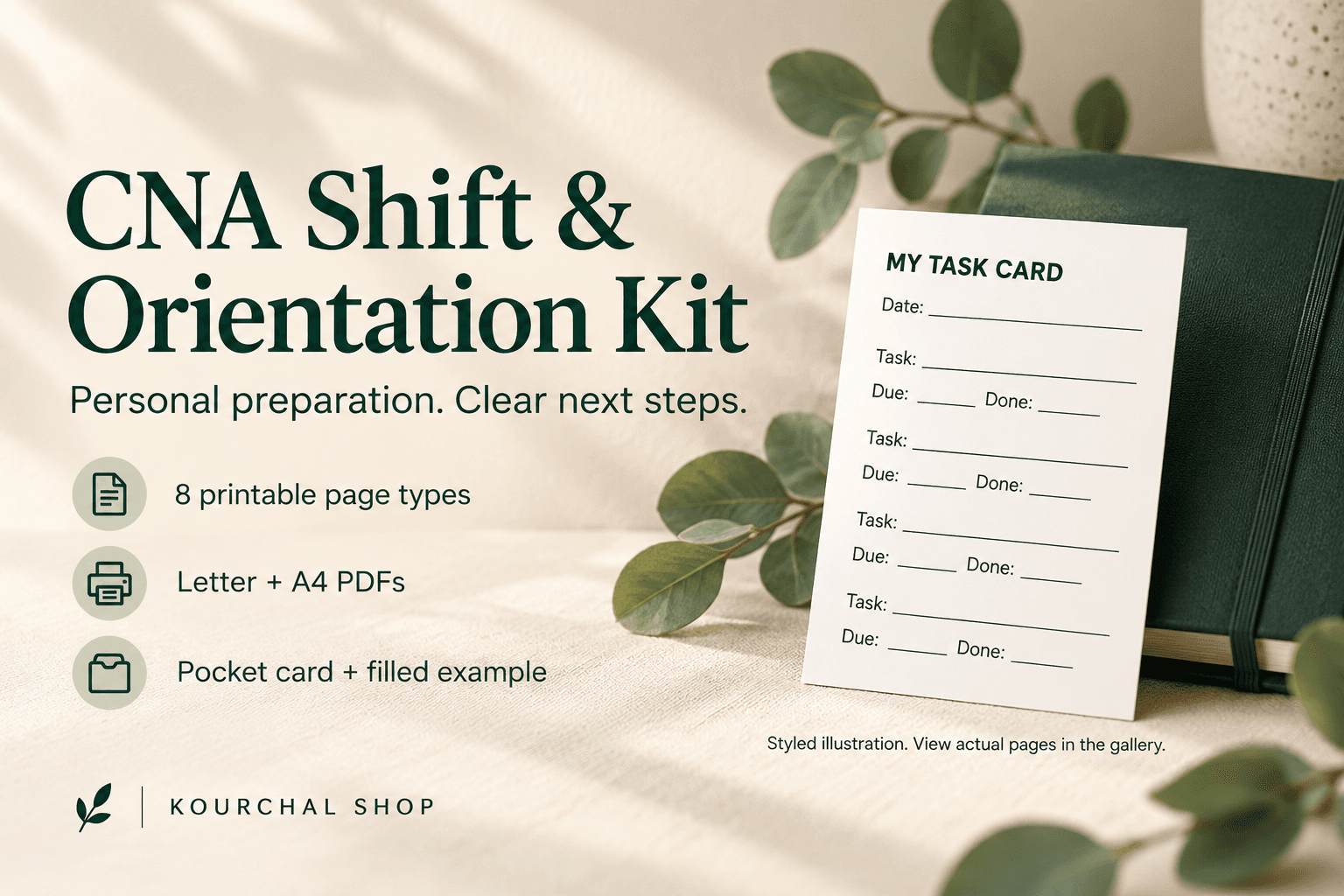
CNA Shift & Orientation Kit
Keep your CNA orientation questions, personal preparation and task reminders together. Eight printable page types, Letter and A4 PDFs, a pocket card and a filled fictional example.
View the toolUpdated workbook overview shown on the laptop. The device screen is a real preview of the file.
Keep personal PACU call assignments, callback records and shift changes together in an Excel workbook.
$3.99USD · One-time purchase
Digital download · One-time purchase
Secure checkout and file delivery through Payhip.
A spreadsheet application that opens .xlsx files. Microsoft Excel is recommended.
ZIP extraction and a PDF reader.
Do not enter patient names, identifiers or clinical details.
Keep your PACU call assignments and schedule changes in one personal workbook. Record employer-specific written terms, assigned call windows, call-ins, callbacks, next shifts and your own follow-up notes. The Overview counts entries you record.
WHAT’S INCLUDED: A four-sheet Excel workbook with Start Here, Overview, Offer Notes and Call Log; 120 prepared call-log rows; a separate fictional example; a one-page Quick Start PDF; a workbook preview PDF; and plain-text instructions.
HOW TO USE IT: Read Start Here. Enter employer answers and the written source in Offer Notes. Use one Call Log row for each call period. Review the Overview counts for assignments, call-ins, missing confirmation dates and written-term checks.
IMPORTANT LIMITS: Personal organizer only. It is not a clinical report sheet, unit roster, official schedule, time clock or communications tool. Do not enter patient names or clinical details. It does not calculate callback pay, overtime, rest periods or legal or contract entitlements. Employer rules vary, so confirm your own terms in writing.
The ZIP contains .xlsx, PDF and TXT files. Microsoft Excel is recommended. A Google Sheets import was checked for formula counts only; full compatibility is not promised. Digital files only. Personal use; do not redistribute or resell.
Honest experiences with this tool. Reviews from other websites are labelled separately.
No published reviews yet. Used this tool? Your experience can help the next person choose.
No. It is a personal call-and-shift organizer. It has no patient or clinical documentation fields.
No. It records your entries and counts them. Pay, overtime, rest-period and legal or contract rules are not calculated.
A ZIP with the editable Excel workbook, a separate fictional example workbook, a one-page Quick Start PDF, a workbook preview PDF and plain-text instructions.
The included workbook was imported into Google Sheets to check its formula counts. Full Google Sheets compatibility has not been verified, so Microsoft Excel is recommended.
PDF + TXT in ZIPKeep your CNA orientation questions, personal preparation and task reminders together. Eight printable page types, Letter and A4 PDFs, a pocket card and a filled fictional example.
View the tool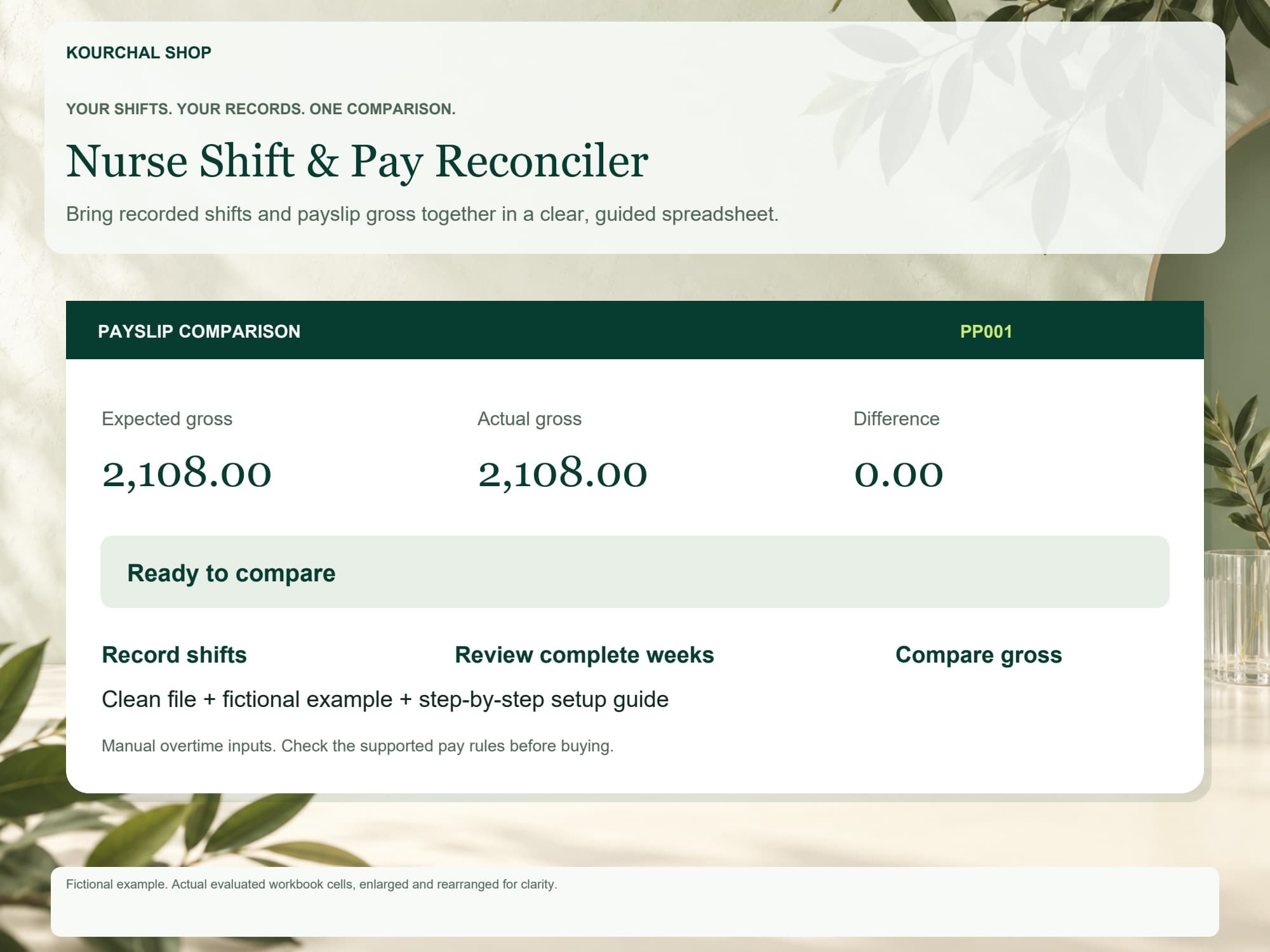 XLSX + PDF + TXT (ZIP download)
Record shifts, review complete workweeks and compare supported gross-pay estimates with your payslip in Google Sheets.
View the tool