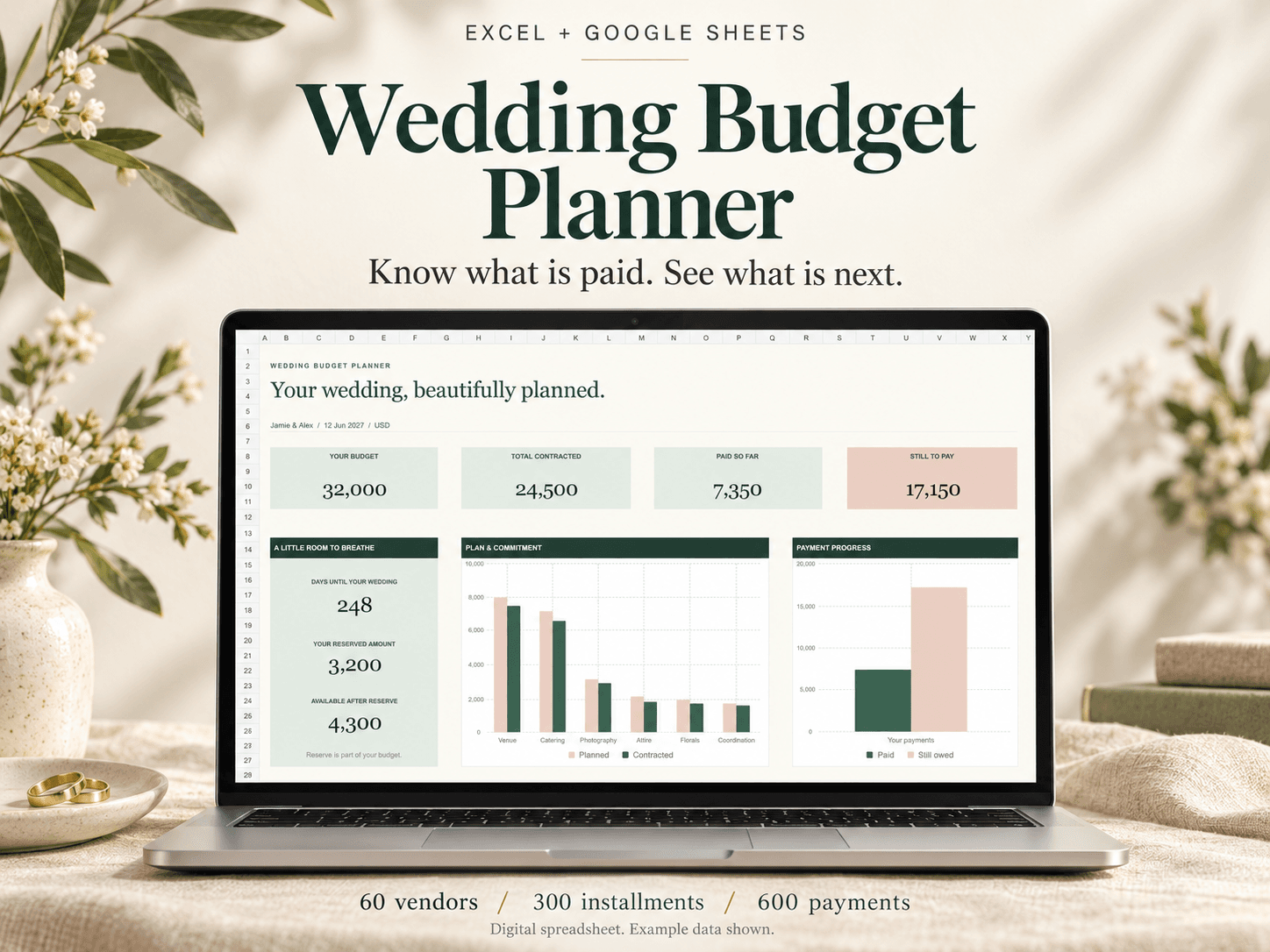
 XLSX + PDF (ZIP download)
Ultimate Wedding Budget Planner for Google Sheets & Excel
See vendor balances, installment due dates and contributor payments together in a wedding budget spreadsheet for Excel and Google Sheets.
View the toolActual evaluated Dashboard cells, enlarged and rearranged.
Record shifts, review complete workweeks and compare supported gross-pay estimates with your payslip in Google Sheets.
$12.99USD · One-time purchase
Digital download · One-time purchase
Secure checkout and file delivery through Payhip.
A Google account, internet access and desktop Google Sheets; import and convert the supplied XLSX
One employer and one currency; no currency conversion
A supported U.S. standard weekly hourly pay basis, with overtime eligibility and hours supplied by you
Complete workweek records, including days outside the selected payslip
Excel and mobile compatibility are not advertised
Record your shifts, breaks and rates, then compare the supported gross-pay estimate with your payslip. Keep the numbers and follow-up questions together in one forest-green and ivory workbook.
See the example before buying: open the free two-page workbook preview (PDF). It shows the fictional weekly calculation, payslip comparison and an unsupported case.
Designed for hourly nurses whose pay fits a supported U.S. standard weekly regular-rate calculation. You enter applicable overtime hours and ordinary hourly differentials. The workbook does not decide overtime eligibility.
Review complete employer workweeks separately from payslip dates. The workbook includes ordinary hourly differentials in the weekly rate and allocates the additional overtime premium to the correct recorded segments. Incomplete, changed or unsupported records withhold the affected comparison.
The separate fictional example shows 1,196.00 for one week plus 912.00 for the next, giving 2,108.00 expected gross. Entering 2,104.00 as actual gross gives a -4.00 difference to investigate. A separate unsupported example stays blocked.
How to start: unzip the download and read START-HERE.txt. Upload the clean XLSX to your Google Drive, open it in Google Sheets and choose File > Save as Google Sheets if shown. Keep a blank backup. Follow the PDF's one-shift practice before entering your records.
Desktop Google Sheets conversion and the focused entry, calculation and printing workflow were tested in Chrome. Excel and mobile compatibility are not advertised. Use the bottom sheet tabs, edit peach input cells only and keep backups; Google Sheets conversion may not retain worksheet protection.
One employer and one currency per workbook. Salary, 8-and-80, daily/double-time rules, premium credits, bonuses, paid leave/nonworked pay, on-call and unknown components are outside this calculation. No tax or take-home-pay calculation, payroll integration or automatic employer messages.
Digital files for one user's personal records. A difference is a question to review, not a legal finding or a promise of money recovered. Product or file questions: contact@kourchal.com.
Honest experiences with this tool. Reviews from other websites are labelled separately.
No published reviews yet. Used this tool? Your experience can help the next person choose.
Unzip the download and read START-HERE.txt. In Google Drive choose New > File upload and select Nurse-Shift-Pay-Reconciler.xlsx. Open it with Google Sheets and choose File > Save as Google Sheets if shown. Work in the converted copy and keep an untouched blank backup. The PDF walks through the exact cells for a fictional first shift.
The supplied file is XLSX. Its converted desktop Google Sheets workflow was tested in Chrome, including live calculations, blocking checks, bottom-tab navigation, grouping and focused printing. Excel and mobile compatibility are not advertised. Google Sheets conversion may not retain worksheet protection; edit only peach inputs and keep backups.
Gross is pay before tax and other deductions. Enter payslip gross, not the net amount deposited into your bank. The workbook does not calculate tax, deductions or take-home pay.
The employer's recurring seven-day workweek determines the supported weekly rate. A payslip may cover different dates or several weeks. Review every complete workweek touching that payslip, including days outside its dates. Each shift segment is linked to both a Week ID and a Period ID.
No. You enter applicable overtime hours and ordinary eligible differential hours and rates. Overtime hours are already part of total worked hours. The workbook calculates the additional half-rate premium from the complete week's supported regular rate; it does not decide legal eligibility or premium-window rules.
Unknown rules, salary, 8-and-80, daily/double-time arrangements, premium credits, bonuses, paid leave or other nonworked pay, on-call and other unsupported components block this calculation. Do not omit them from actual payslip gross or select No to hide them. Ask your payroll team which arrangement applies before relying on the estimate.
Read the Check column and Dashboard Affected workweeks. Finish required inputs and review each entire workweek. Enter reviewed hours, straight-time earnings and overtime totals as values, confirm no unsupported components and mark complete only when true. Changed reviewed totals withhold the comparison until reviewed again.
Yes, within the supported calculation. Enter full local start and end dates and times. Split a shift at either a workweek or payslip boundary and allocate hours and breaks once. Local times do not detect clock changes automatically; use employer-confirmed worked paid hours after breaks and an explanatory note when needed.
No. It compares the entered actual gross with an estimate from your recorded inputs under this limited model. Check records, rates, allocations, missing components and employer rules. A zero difference is not independent payroll approval, and no recovery of money is promised.
The prepared workbook has 60 workweeks, 60 payslip periods, 600 shift segments and 200 review entries. A boundary split consumes another segment, so 600 segments does not mean 600 complete shifts.
Private testing observed a compact one-page Dashboard and a selected final Review Log row with repeated headers in converted Google Sheets. Use current-sheet/fit-to-page or select populated review cells; results depend on settings and content. The files are for one user's personal use, with no resale, redistribution or sharing.
Email contact@kourchal.com for product-fit, setup or file questions. Do not send patient information, passwords, bank details or unredacted payslips. Keep sensitive evidence securely elsewhere and put references in the Review Log.
XLSX + PDF (ZIP download)See vendor balances, installment due dates and contributor payments together in a wedding budget spreadsheet for Excel and Google Sheets.
View the tool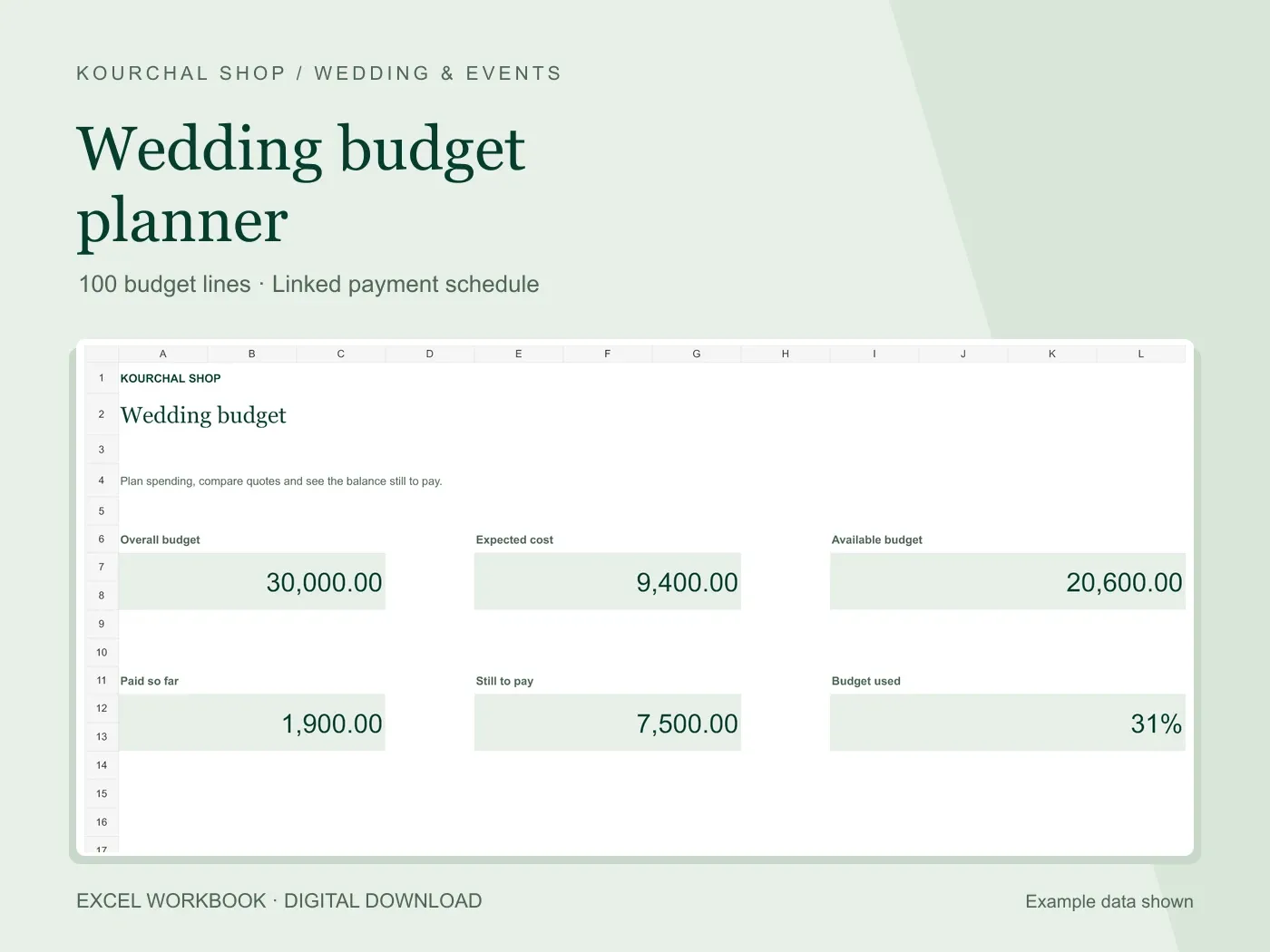 Excel .xlsx + Quick Start PDF
Compare estimates and quotes, track deposits, and keep the balance still to pay in view.
View the tool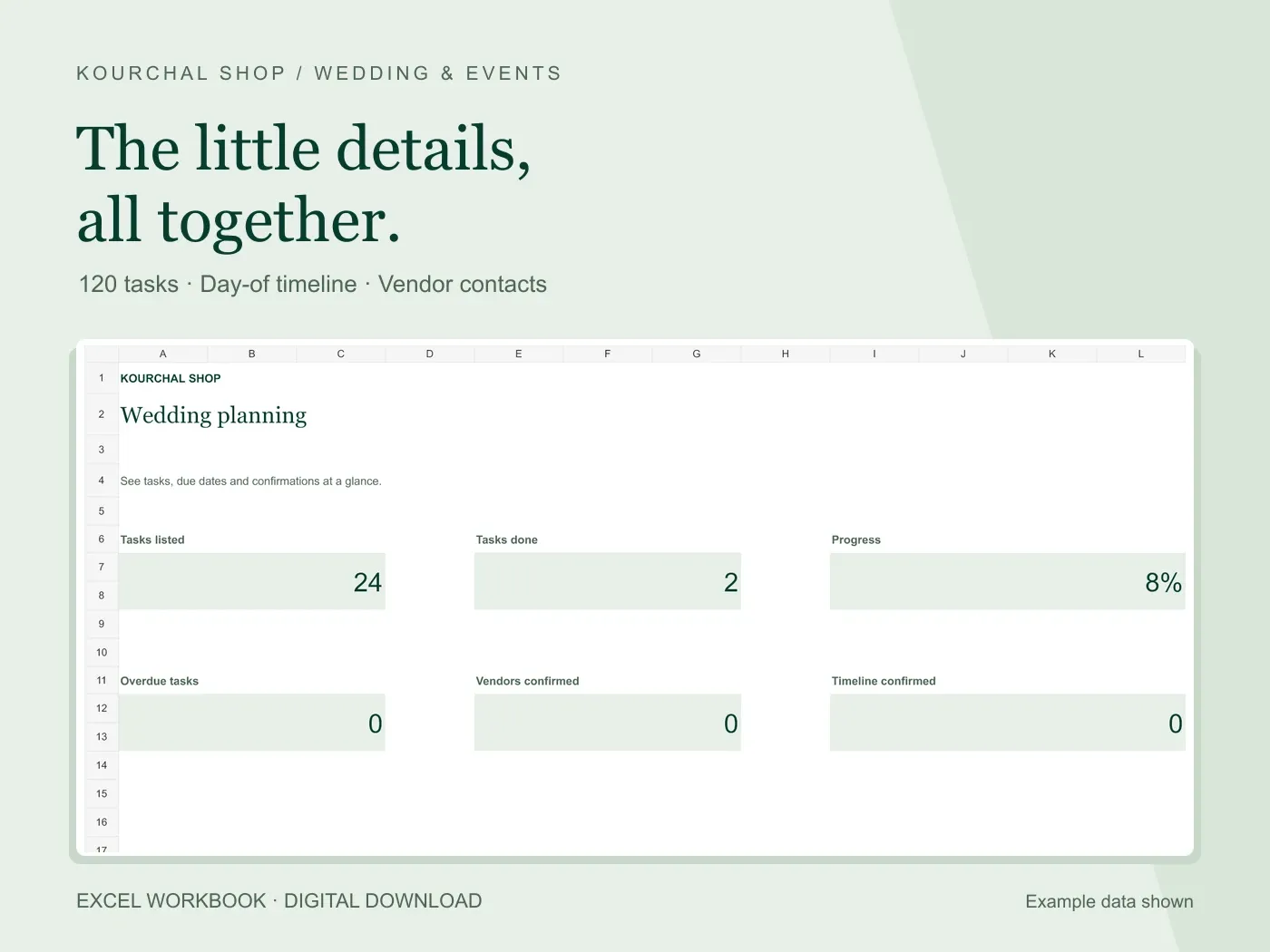 Excel .xlsx + Quick Start PDF
Turn the little details into clear tasks, a day-of timeline and a useful vendor list.
View the tool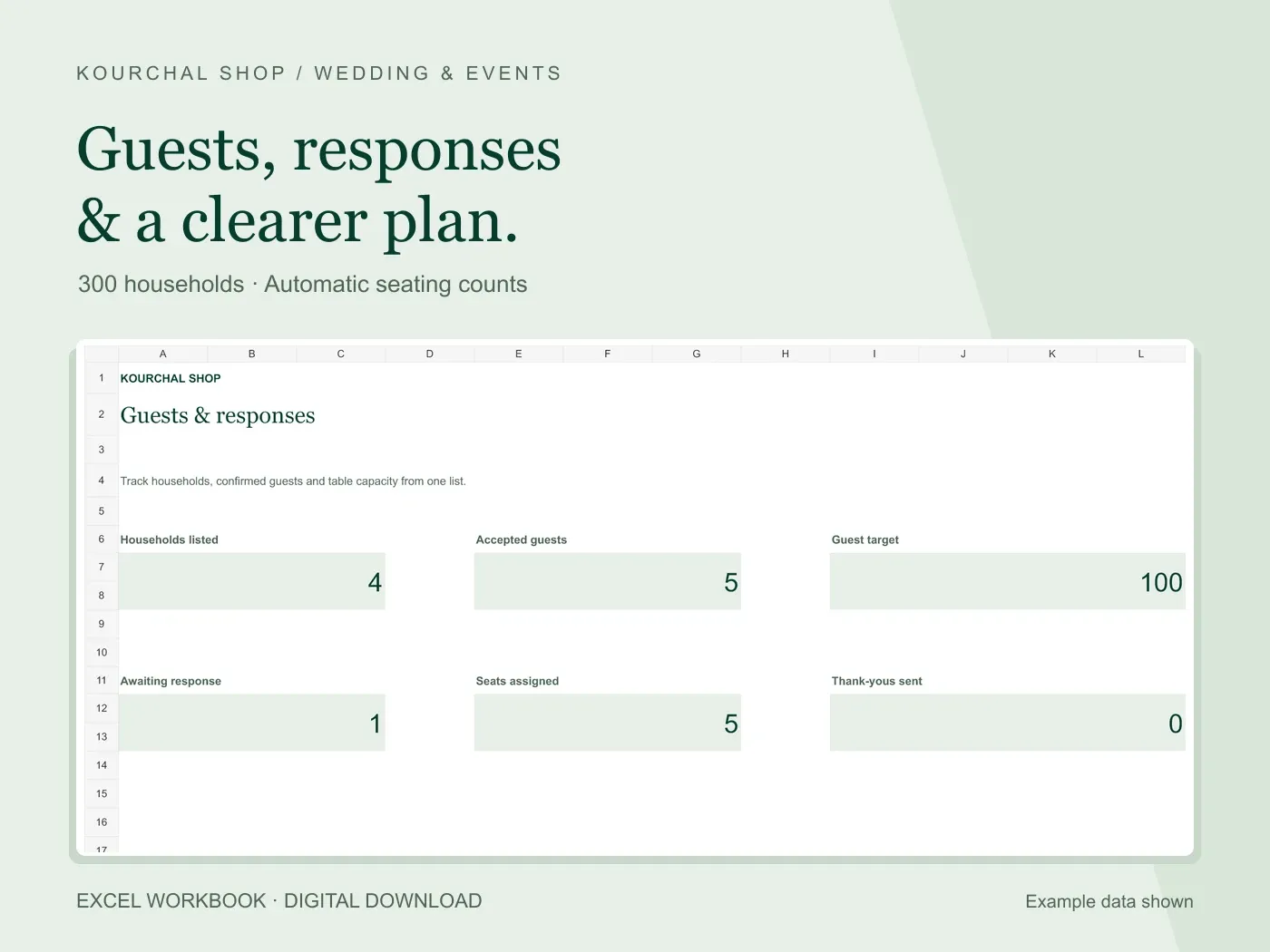 Excel .xlsx + Quick Start PDF
Keep households, responses, meal notes and table assignments connected in one place.
View the tool