 Excel .xlsx + Quick Start PDF
Wedding Budget Planner
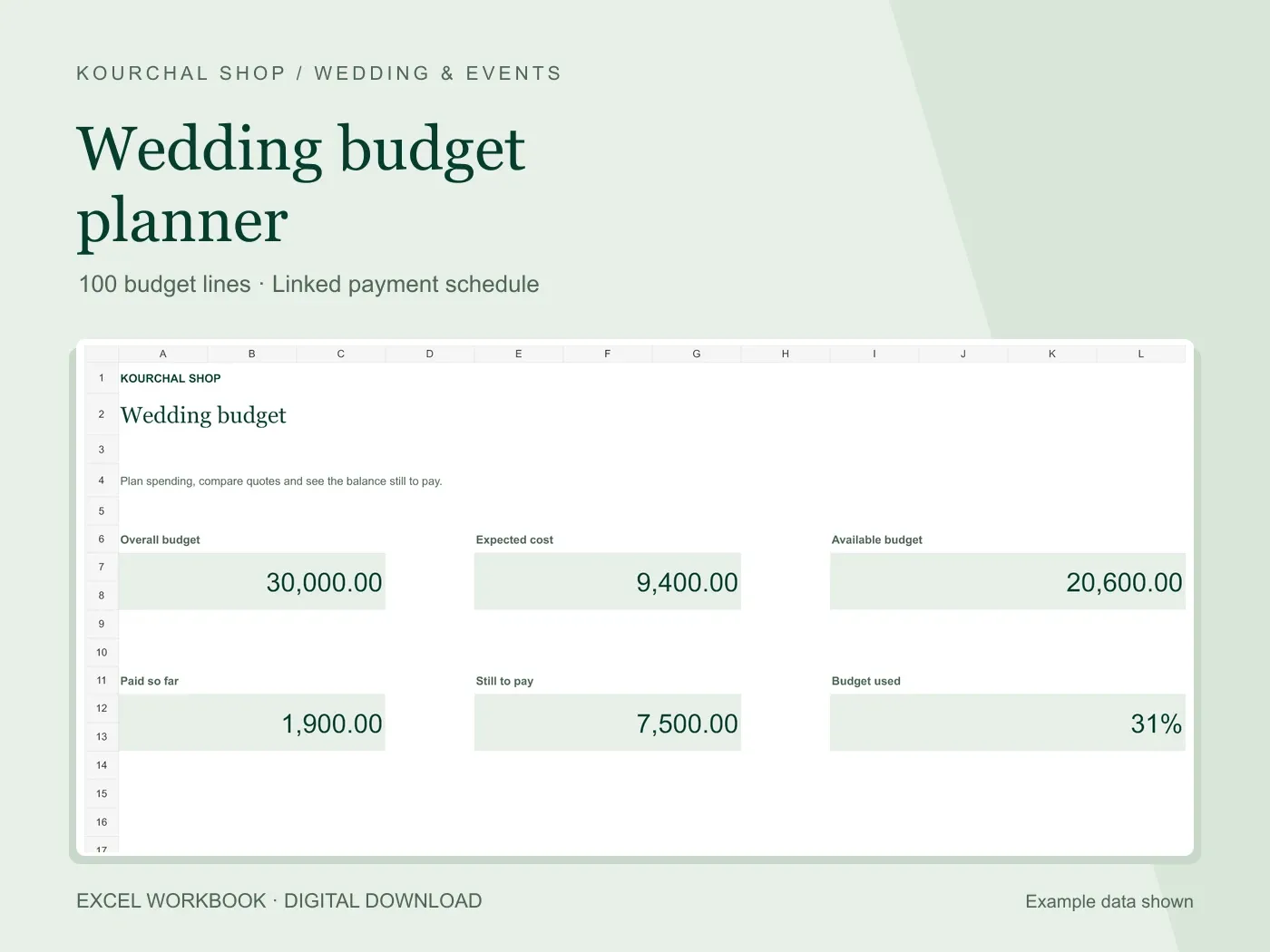
Compare estimates and quotes, track deposits, and keep the balance still to pay in view.
View the toolActual dashboard with example data. Customer guest rows are blank.
Keep households, responses, meal notes and table assignments connected in one place.
$5.99USD · One-time purchase
Digital download · One-time purchase
Secure checkout and file delivery through Payhip.
Microsoft Excel for .xlsx files. Desktop use recommended.
Digital download only. No physical item is shipped.
Google Sheets compatibility has not been verified.
A guest list works best when everyone counts the same way. This workbook uses one household per row, with a party size that includes every person in that household. The dashboard separates households awaiting a reply from accepted guests.
Assign accepted households to a table and the Seating Plan counts their guests automatically. Table capacity stays visible, including a negative open-seat count if a table is over capacity. A separate gift and thank-you sheet keeps follow-up details together.
Excel .xlsx + Quick Start PDFCompare estimates and quotes, track deposits, and keep the balance still to pay in view.
View the tool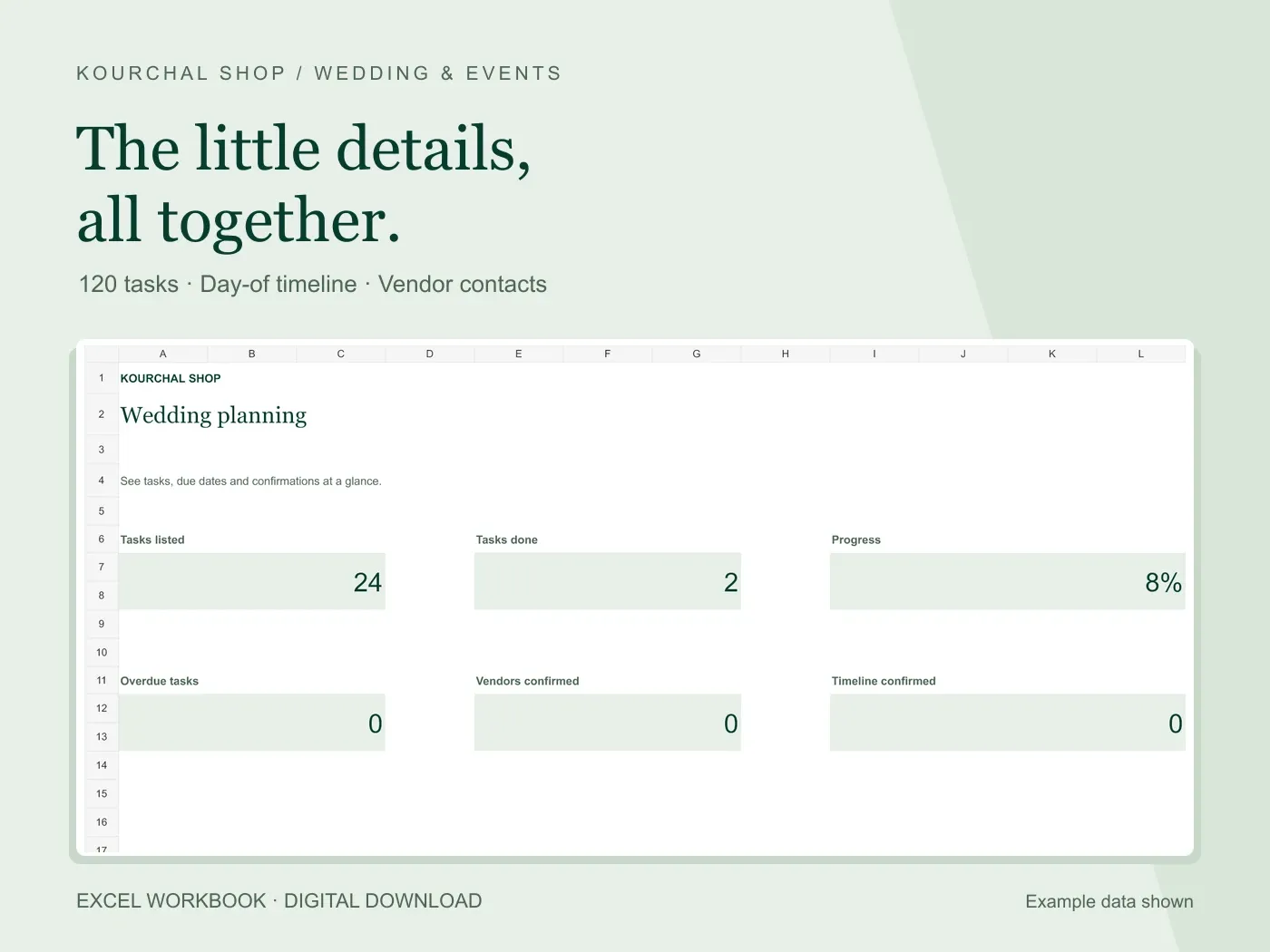 Excel .xlsx + Quick Start PDF
Turn the little details into clear tasks, a day-of timeline and a useful vendor list.
View the tool