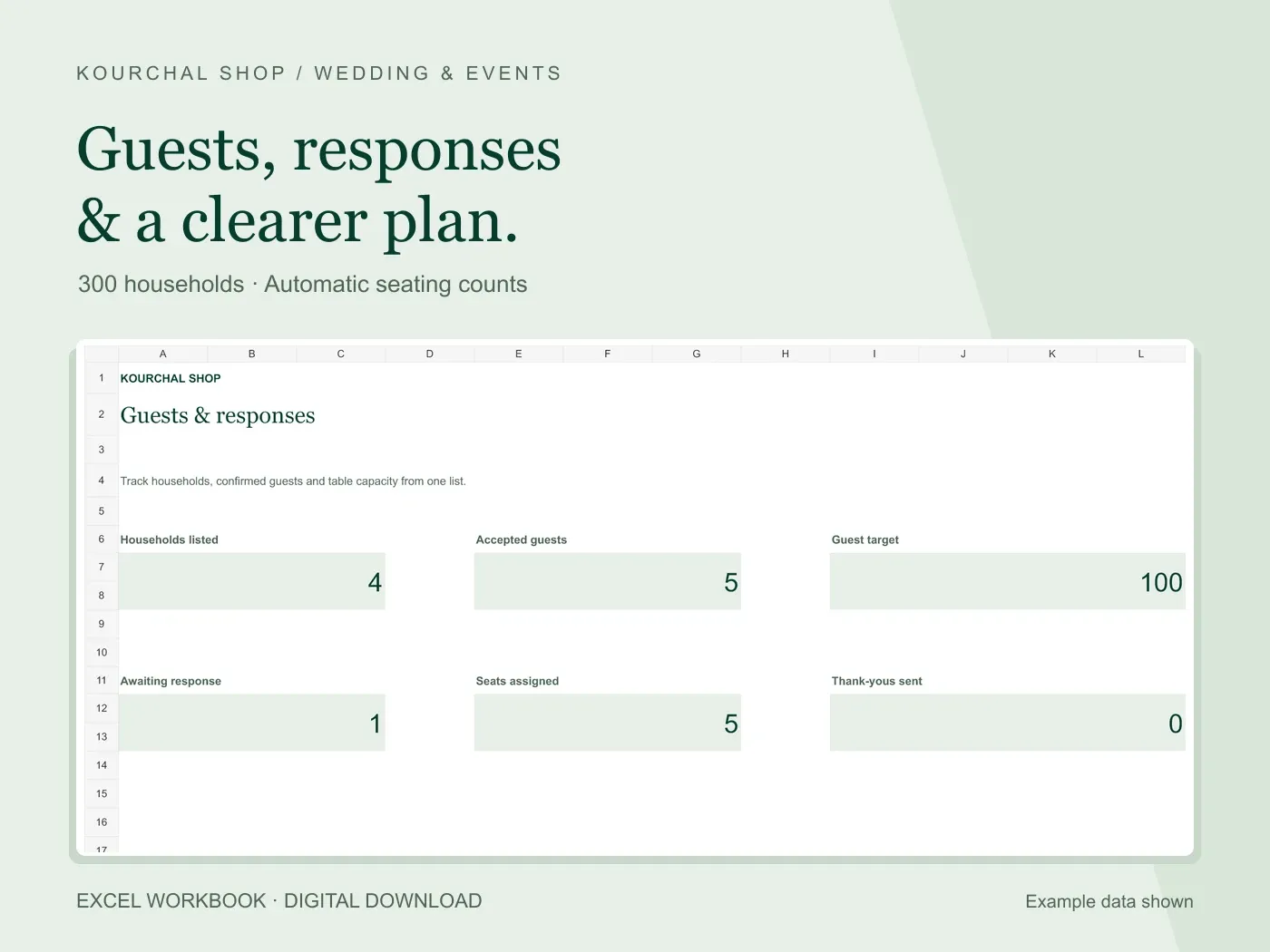
A wedding seating spreadsheet is most useful when it connects to the guest list you already maintain. Otherwise, every RSVP change creates two updates: one in the response list and another in the table plan. Start with accepted guests, assign a table and count people rather than rows.
This guide explains the household approach used in our Wedding Guest List & RSVP Tracker. It is a table-assignment system, not a room-layout designer or a decorative seating chart for the entrance.
Decide whether a row represents a person or a household
Both approaches can work, but do not mix them. A person-based list gives each attendee a row. A household-based list gives each responding party a row and uses a separate party-size field. Four accepted household rows might represent ten people, so counting the rows alone would understate your seating needs.
In the Kourchal tracker, enter one household per row. The party size is the number of people attending in that accepted household, including any confirmed children or plus-one. If only two of four invited people will attend, use two for the accepted party size and explain the change in your notes.
The workbook assigns the whole household to one table. If a party needs to sit at different tables, split it into clearly labeled groups and make sure their combined party sizes equal the real attendance. Do not copy the full party size into both rows.
Create a consistent table list
Write the table names in your seating sheet before assigning guests. Table 1, Table 2 and Table 3 are easy to keep consistent. If you prefer names, agree one exact label for each and use it throughout the workbook.
Enter the capacity provided by your venue or coordinator. There is no universal capacity that works for every table, chair arrangement or room. The spreadsheet checks the number you enter; it does not determine what your venue can safely accommodate.
In our workbook, the name on Guest List must match the name on Seating Plan. A household assigned to Table One will not count under Table 1. Copy a table label from your table list rather than creating a new spelling each time.
Work through a table capacity example
Suppose Table 1 has eight seats. Three accepted households assigned to it have party sizes of three, two and two. Assigned guests total seven and open seats total one. A pending household should not count as a confirmed assignment.
If another accepted party of two joins that table, the assigned total becomes nine. Eight minus nine is negative one. The negative open-seat count is a useful warning: move a guest group or confirm a different arrangement with the venue.
Do not change a household party size just to make the table look full. Attendance and seating are separate facts. Keep the real party size and fix the assignment.
Check the gaps before sharing the plan
Filter accepted responses and look for a missing party size, a blank table or a table name that does not appear in the seating list. Then compare accepted guest totals with assigned guest totals. A difference can reveal accepted people who still need a table.
Our tracker has 20 prepared table rows. Accepted households using names outside those rows are not included in the prepared seating total. Review capacity warnings and unmatched labels rather than relying on one dashboard number.
Meal and dietary notes remain notes for coordination. Confirm individual requirements with the guest and supplier. Household-level notes do not automatically produce a person-by-person meal report.
Keep the spreadsheet and the guest-facing chart separate
The workbook is your working plan. Before producing a sign or handing a list to the coordinator, check names, accepted counts and final table assignments. Share only the details each person needs, without phone numbers or unrelated private notes.
The Wedding Guest List & RSVP Tracker includes a dashboard, 300 household rows, 20 table rows and Gifts & Thanks for $5.99 before applicable checkout taxes. Microsoft Excel is required; Google Sheets compatibility has not been verified. View the real previews before choosing it.