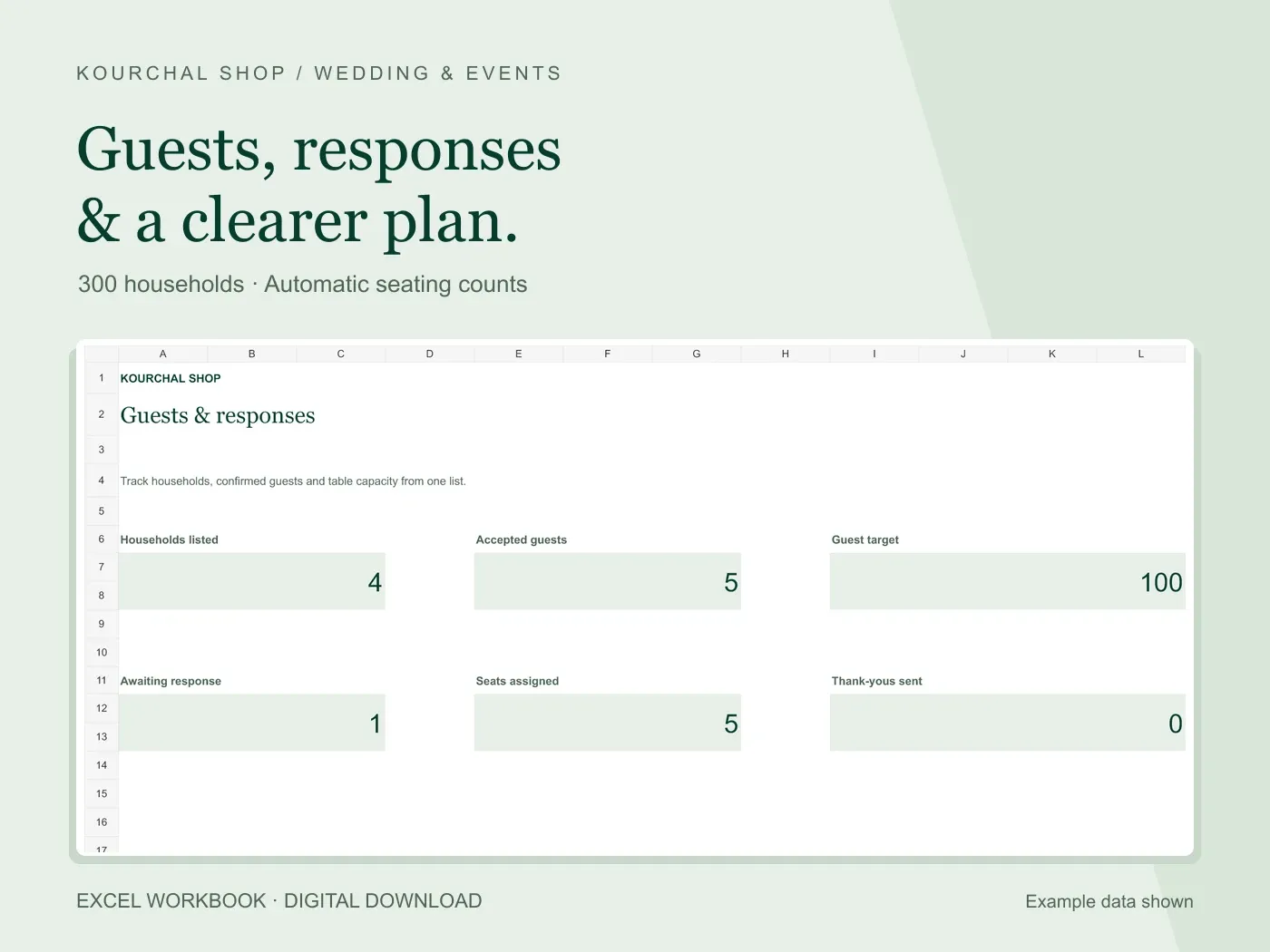
A guest list has two different units: households you contact and people who may attend. Confusing them makes response and seating totals difficult to trust. Three households can mean three people or twelve. Decide how your rows work before sending invitations.
Our guest tracker uses one household per row and a separate party size. The same method can work in a simple spreadsheet you create yourself.
Start with one identifiable household per row
Use a unique household label and a contact name. If two households have the same surname, add a distinguishing detail. Keep phone and email information private. You do not need to collect information you will never use.
Party size includes everyone in that household’s response. An accepted household of three contributes three to the accepted guest total. Enter a number for every accepted household: a missing party size cannot produce an accurate headcount.
Separate invitation progress from the response
Sending an invitation and receiving a response are different steps. Use invitation status to track what you have sent, and RSVP status for Pending, Accepted, Declined or Maybe.
In the tracker, Awaiting response counts named households that are neither Accepted nor Declined. A blank response remains awaiting. This is a household count, while Accepted guests counts people. Use the correct number when contacting households or confirming attendance.
Use matching table names for seating
Choose a consistent name such as Table 1. Use exactly that name in the Guest List and Seating Plan. An accepted household assigned to Table 1 contributes its party size to that table.
For a table with capacity eight, accepted parties of three and two leave three open seats. A ninth assigned guest makes open seats negative and flags over capacity. Review the assignment rather than changing the count to hide the warning.
Check incomplete entries before confirming numbers
Before giving a final number to your venue or caterer, filter accepted responses and check party sizes. Review missing or unmatched table names. The tracker counts assigned guests through its prepared seating rows, so an unmatched table name will not appear in that seating total.
Meal choices and dietary notes help keep practical details visible. They do not automatically validate what is suitable or safe for a guest. Confirm individual requirements with the person and the relevant supplier.
Keep one maintained copy
If another person helps manage responses, agree who edits the main workbook. Save a backup before sorting or making large changes, and sort the entire table to keep a household’s details together.
Use Gifts & Thanks as a separate follow-up list after the event. The workbook includes 300 household rows, 20 table rows and 300 gift records. This is an editable Excel file with Start Here instructions, not an online RSVP form or a service that sends invitations.