 Excel .xlsx + Quick Start PDF
Wedding Budget Planner
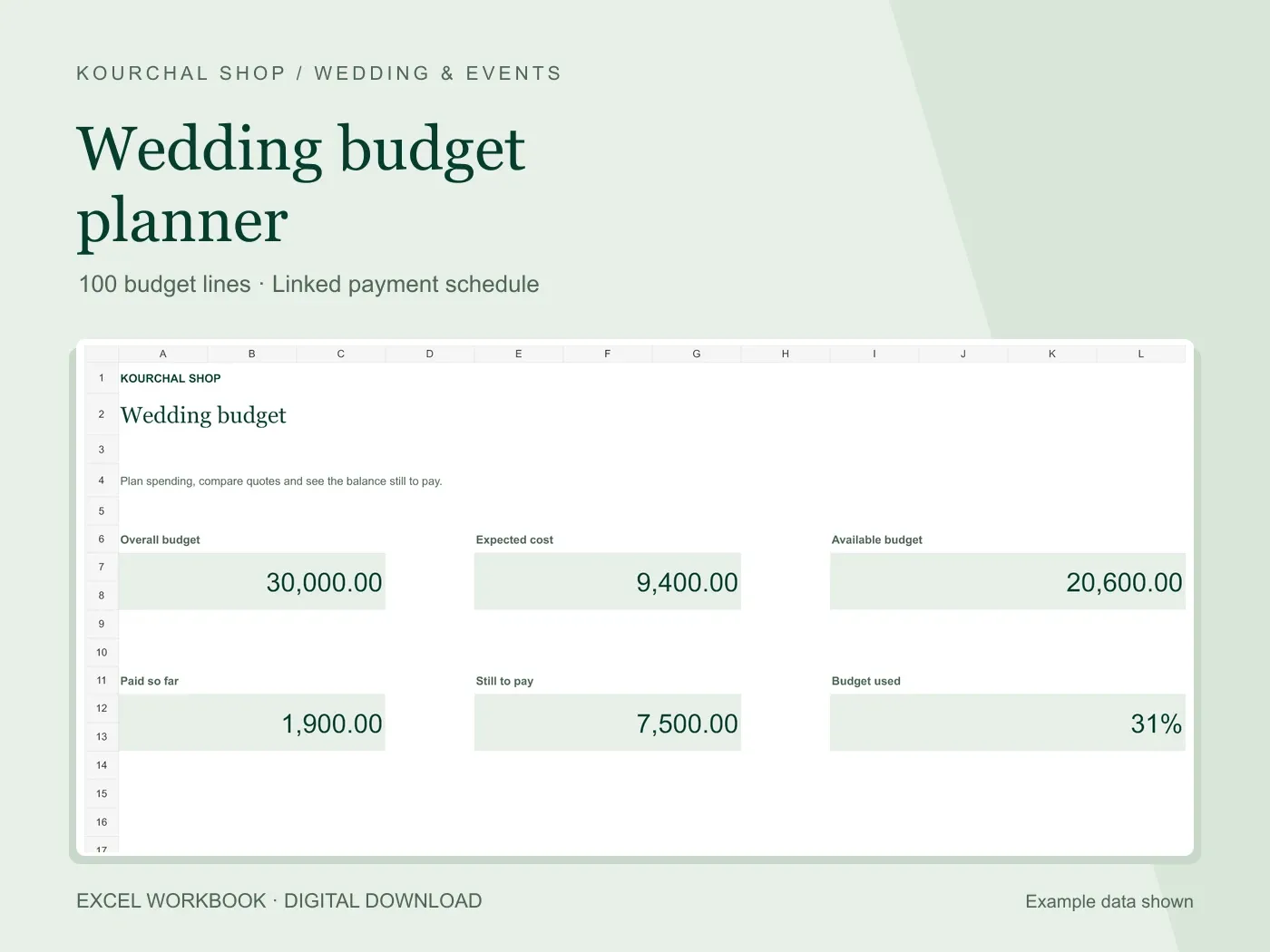
5.0 / 51 reviewCompare estimates and quotes, track deposits, and keep the balance still to pay in view.
View the toolIvory and sage workbook with example data
An elegant eight-tab wedding budget system for Excel and Google Sheets, with connected vendor balances, payment schedules and contributor totals.
$9.99USD · One-time purchase
Digital download · One-time purchase
Secure checkout and file delivery through Payhip.
Desktop Excel, or a Google account to import the XLSX into Google Sheets
Desktop use recommended
Use one currency; labels do not convert amounts
Keep your wedding budget, vendors and payments connected in a calm ivory and sage spreadsheet.
Plan 40 budget categories and 60 vendors. Schedule up to 300 installments, then record up to 600 payment transactions once. Dashboard totals, vendor balances and contributor payments update automatically.
Eight connected tabs bring together Dashboard, Setup, Budget, Vendors, Payment Plan, Payment Log, Contributors and Moodboard. Track quotes, taxes, extra fees, refunds, overpayments and upcoming or overdue amounts.
Peach input cells show where to type. Pale-green cells contain calculations. Native charts compare planned and contracted category amounts and show payment progress.
Use the XLSX in desktop Excel, or upload it to your own Google Drive and save it as a native Google Sheet. Desktop use is recommended. Use one currency throughout; the currency label does not convert amounts.
Digital download for personal planning use. Preview images show example data; the delivered workbook starts clean. Keep the supplied rows, IDs and formulas intact. No automated emails, calendar reminders, bank connections or video tutorial are included.
Honest experiences with this tool. Reviews from other websites are labelled separately.
No published reviews yet. Used this tool? Your experience can help the next person choose.
This is a separate, expanded eight-tab planner with connected vendors, installment schedules, actual payment logs, contributor totals and a moodboard. The original planner remains available separately.
Yes. Upload the included XLSX to your own Google Drive and save it as a native Google Sheet. The quick-start guide explains the process. A Google account is required.
The listing images show example data. Your delivered workbook starts clean so you can add your own wedding details.
Upcoming and overdue amounts appear inside the workbook. It does not send automated emails or calendar reminders.
Use one currency throughout and change the label in Setup. The workbook does not convert amounts.
They track actual payments made to vendors. Promised contributions are separate, and bank deposits are not tracked.
Excel .xlsx + Quick Start PDFCompare estimates and quotes, track deposits, and keep the balance still to pay in view.
View the tool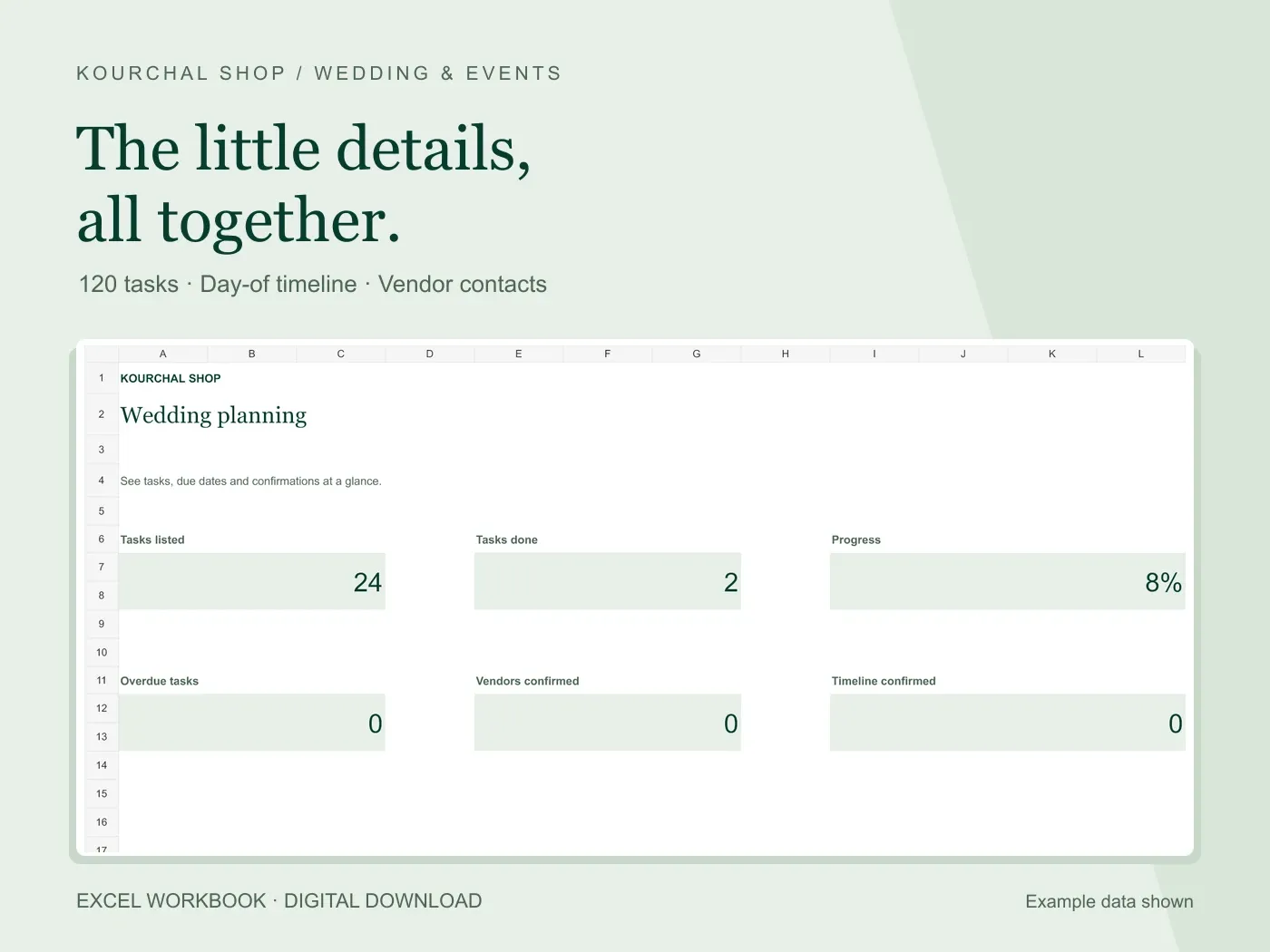 Excel .xlsx + Quick Start PDF
Turn the little details into clear tasks, a day-of timeline and a useful vendor list.
View the tool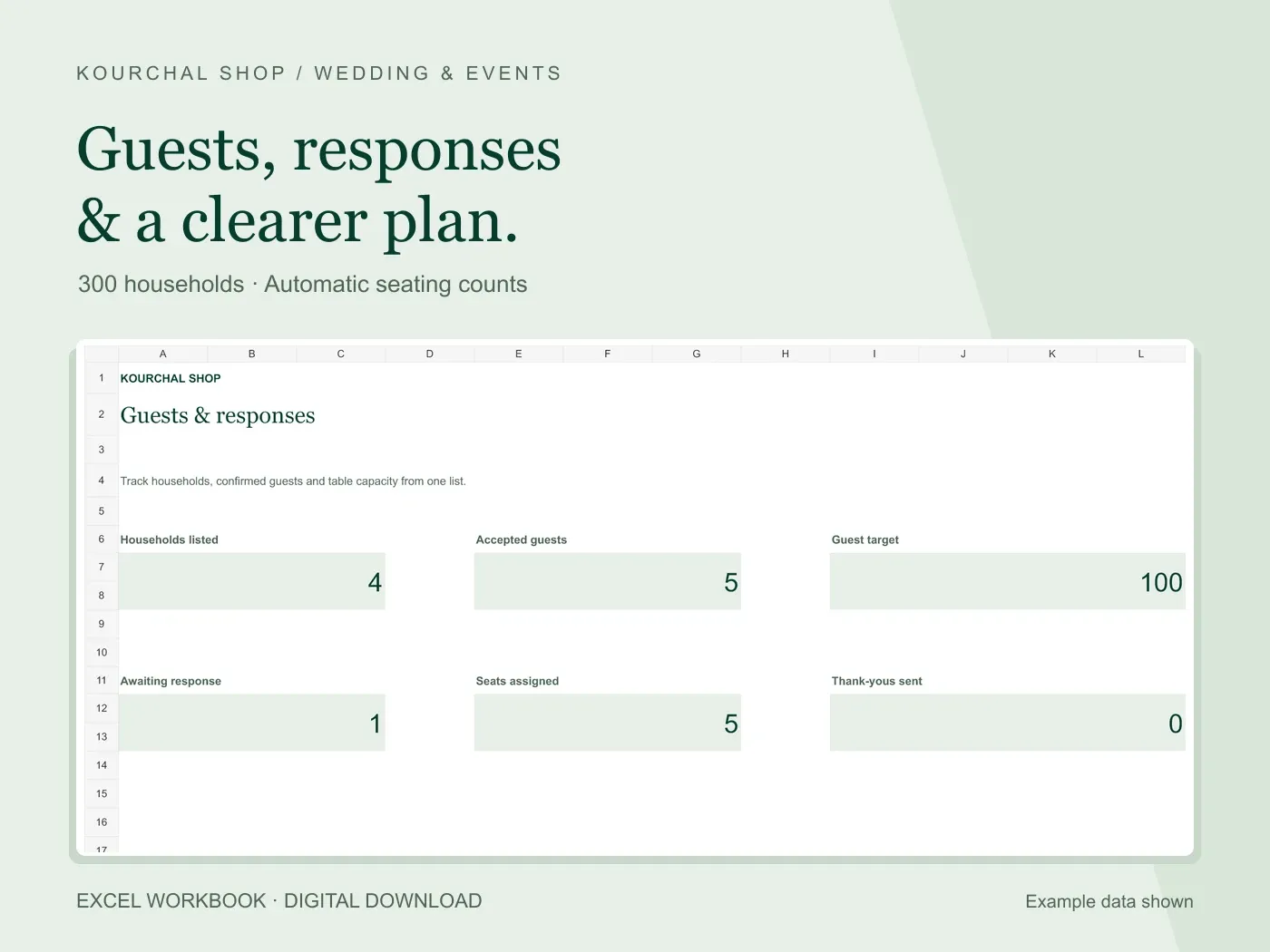 Excel .xlsx + Quick Start PDF
Keep households, responses, meal notes and table assignments connected in one place.
View the tool