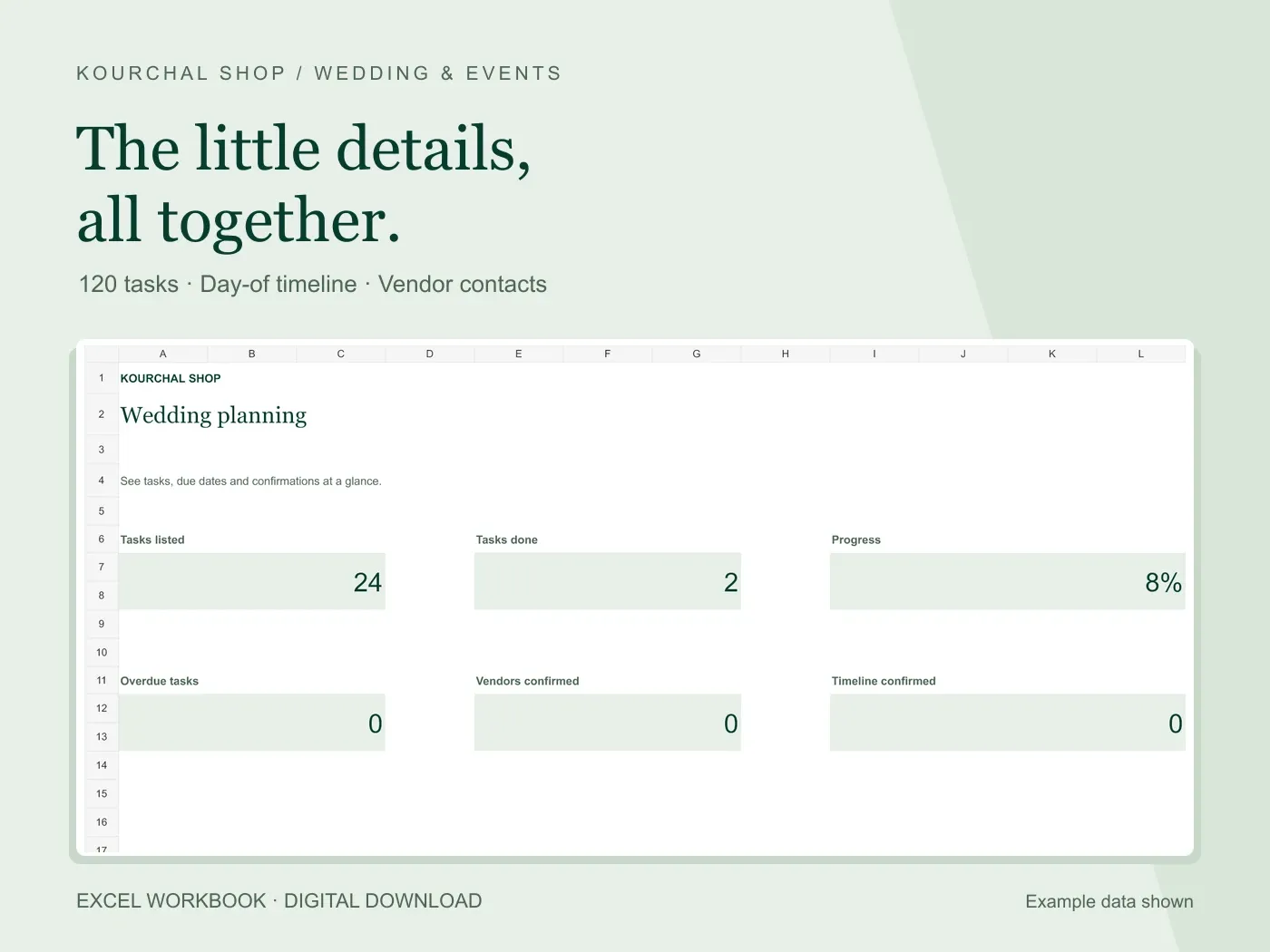
A wedding day timeline spreadsheet should help someone coordinate the next step without searching old messages. Put the time, event, location and responsible person together. Start with confirmed arrangements, then fill the gaps with the people who will carry them out.
Your planning checklist and your day-of timeline serve different purposes. The checklist tracks work that must be completed before the event. The timeline coordinates the event itself. A task such as confirming venue access belongs in the checklist; the agreed access time belongs in the timeline.
Write down the fixed times first
Ask the venue and relevant suppliers to confirm the times that constrain the day. These may include access to the room, ceremony start, catering service and when the room must be cleared. Use the actual agreements for your event rather than a generic timeline from the internet.
Enter those anchors before adding optional activities. Note who has confirmed each one and where the event takes place. A start time without a location or contact can still leave the coordinator guessing.
In Excel, use real time values such as 14:30 or 2:30 PM in the time field. Put explanations in the event or notes column. A time column filled with sentences will be harder to sort consistently.
An illustrative afternoon schedule
The following example is a planning exercise, not a recommended schedule. Assume the venue has confirmed access at 12:00, the ceremony starts at 15:00, a meal is agreed for 17:00 and the room handoff is due at 20:00.
12:00: room access and setup handoff. Location: venue entrance. Owner: coordinator. 13:30: seating and stationery check. Location: event room. Owner: designated helper. 14:30: guest arrival coordination. Location: entrance. Owner: welcome contact.
15:00: ceremony. Location: agreed ceremony space. Owner: ceremony coordinator. 16:00: move to the meal location. Owner: designated guide. 17:00: meal service. Owner: catering contact. 19:30: collect personal items and check the room. Owner: closing helper. 20:00: final handoff to venue contact.
Replace every time and role with arrangements that suit your event. If the venue has separate access windows or the ceremony is elsewhere, rebuild the transitions rather than copying this sequence.
Check transitions with the people involved
Look at the gap between each pair of events. Ask what must happen in that interval: moving people, setting up a room, unloading supplies or confirming access. Include practical handoffs as timeline entries instead of assuming someone will remember them.
Agree realistic time allowances with the relevant venue and suppliers. A spreadsheet does not know travel conditions or how long a room change will take. The Kourchal timeline stores editable entries and real Excel times; it does not calculate travel or automatically shift every event when one time changes.
If the ceremony time changes, review each dependent entry and confirm the revised plan. A manual schedule is clear only when someone owns its updates.
Add one reachable owner to each important handoff
Name the person responsible for each step. Keep useful contact details in a separate vendor list, and check that the coordinator has access to the current copy. A generic label such as family is less useful than one agreed contact.
Record confirmation status only after you have actually agreed the arrangement. Entering Confirmed in a workbook does not contact a supplier. If a detail remains open, add a checklist task with an owner and due date.
Share a dated final version
Sort the complete timeline by time, review the contact list and save a dated copy. Share the appropriate version with your coordinator and suppliers. For a paper handoff, use Excel Print Preview to check orientation, page breaks and readable text on your own printer setup.
The Wedding Checklist & Timeline workbook includes 60 timeline rows, 120 checklist rows, 24 editable starter tasks and 100 vendor rows. It costs $5.99 before applicable checkout taxes and includes a Quick Start PDF. Use Microsoft Excel; Google Sheets compatibility has not been verified.