A last-month wedding checklist should show what remains open and who will resolve it. Re-reading every task from the start of planning can hide the work that now matters. Review your current arrangements, remove completed tasks and give each open item an owner and a due date.
The sequence below is a flexible review framework. Your venue, suppliers and ceremony arrangements set the actual deadlines. If an agreement requires a final number earlier than one month before the event, follow that deadline instead of this example.
Start with the deadlines you have already agreed
Collect the final-number deadline, remaining payment dates, access arrangements and any required supplier confirmations. Record the source beside each item so you can check it later. Avoid inventing a deadline simply because a generic wedding checklist suggests one.
Rewrite vague items as actions with a clear finish. Instead of catering, use Confirm final attendance and dietary notes with catering contact. Give that task to one responsible person. If it involves another person, agree the date with them.
Use the status field consistently. Not started, In progress and Done describe different states. Waiting for a reply still means the task is open; it is useful to record the next follow-up in the notes.
Review guest counts and seating together
Contact households that still need to respond before your actual deadline. Check accepted party sizes, including confirmed children and plus-ones. Do not treat a pending response as an accepted guest simply to finish the table plan.
Compare the accepted headcount with your table assignments. Check unassigned guests and tables over capacity. If a household has partly accepted, update the attending party size and note who is included so a later helper does not restore the original invited count.
Share only relevant attendance and dietary details with the people coordinating the meal. Keep private contact information out of the guest-facing seating chart.
Check the money still to pay
Review each remaining balance against the supplier agreement and your receipts. Separate deposits from later payments so the same money is not counted twice. Record the next payment date and the person responsible for making it.
If the next installment is smaller than the remaining balance, write the installment amount in the notes. A balance tells you what remains overall, not necessarily what must be paid on the next date. Resolve any unexplained negative balance or missing receipt before treating the line as finished.
Your checklist can remind you to review the budget. The separate Wedding Budget Planner handles amounts and the linked payment schedule; the checklist workbook does not calculate wedding expenses.
Confirm the timeline and the people behind it
Start with venue access, ceremony time and agreed meal service. Add the location and one responsible person for each important transition. Ask the relevant people to confirm practical time allowances for setup and moving between locations.
Review supplier contacts and confirmations. A workbook status only records what you enter. It does not send a confirmation request or prove a supplier has agreed. If a reply is missing, create a follow-up task with its own owner and date.
Check that the day-of coordinator knows which file is current. Make a dated working copy and tell helpers who can make changes. Two independently edited timelines can become more confusing than a simple shared list.
Use a focused final review
Filter unfinished tasks and review overdue dated items. A blank due date does not prove an item is unimportant; it may mean the planning date has not been set. Add a realistic date to the tasks that still need action.
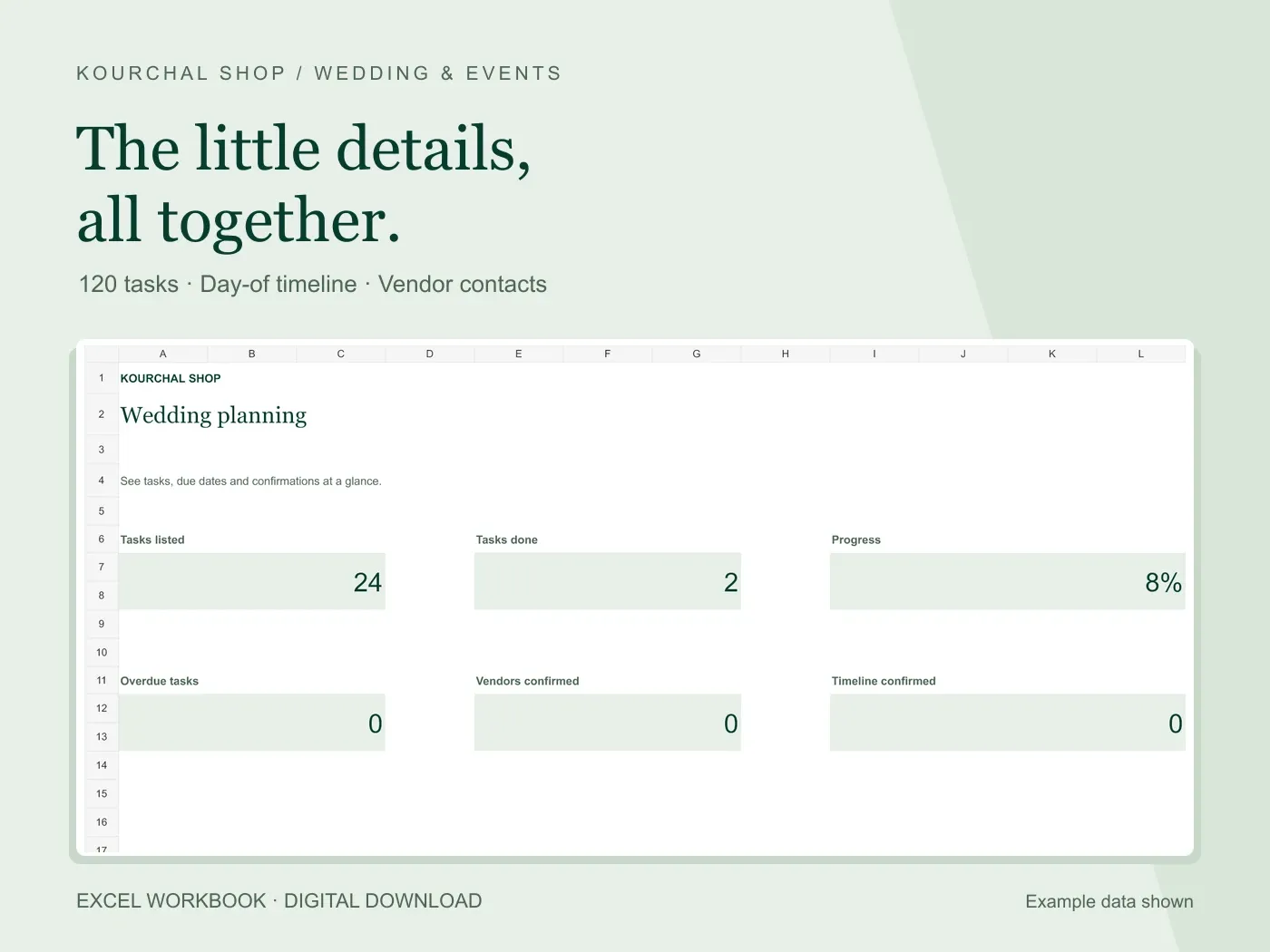
In our Wedding Checklist & Timeline, Status controls completion and the dashboard counts overdue unfinished tasks only when a date exists. The workbook includes 24 editable starter tasks within 120 prepared task rows, plus the timeline and vendor list. Customize those tasks for your own event rather than treating them as a universal checklist.
Choose a checklist you can keep current
A simple list is enough when it gives you clear actions, owners and dates. The prepared Kourchal workbook adds linked progress summaries and keeps tasks, the day-of schedule and vendor details in one file. It costs $5.99 before applicable checkout taxes, with an Excel workbook, Quick Start PDF and personal-use license.
Microsoft Excel is required and Google Sheets compatibility has not been verified. Keep the prepared calculation cells intact and save a backup before large changes. The useful checklist is the one you update when an arrangement changes.