To check a nurse pay stub, match the pay-period dates, worked hours, historical rates and pay components to your shift records before comparing gross pay. Keep the bank deposit separate: net pay is the amount after deductions. Start with one unexplained entry and a specific question for payroll.
This guide is for organizing personal records. The shift example assumes ordinary hourly pay with no overtime or differentials. A standard weekly overtime comparison needs confirmed applicable rules and complete workweeks. It does not determine eligibility or certify that an employer's payroll is correct.
1. Gather four records for the same dates
Keep your pay stub, approved timecard, personal shift log and written rate information together. Include the rate that applied on each shift date, rather than replacing older shifts with your current rate. Note any later correction or retroactive adjustment separately.
Use a private reference such as SHIFT001 instead of a patient name. Keep original evidence securely elsewhere. Do not put patient information, bank details, identity numbers or passwords in a shared spreadsheet.
2. Match the pay period and employer workweek
The payment date is not necessarily the final day of the work being paid. Copy the pay-period start and end dates from your stub or payroll records. Ask payroll for its recurring workweek start day and time; do not assume it starts on Monday.
For the standard federal weekly overtime framework, the Department of Labor describes a fixed recurring 168-hour workweek, with each week considered separately. A biweekly payment does not turn two weeks into one average. See DOL Fact Sheet #23. Healthcare alternatives and other rules need separate treatment. Confirm which arrangement applies before calculating overtime.
An overnight shift needs both dates. If it crosses a workweek or pay-period boundary, keep separate segments and allocate the worked hours and unpaid break once. For a clock change, use employer-confirmed worked paid hours and a note instead of assuming local clock subtraction is enough.
3. Start a free shift-to-pay-stub log
Download the free nurse pay-stub check CSV. No email or purchase is required. Open it in your spreadsheet app and save a working copy. The CSV is a simple manual log, contains no formulas and is separate from the paid workbook. Its first row is fictional; replace the example before recording your shifts.
Keep one row per shift or boundary segment. Record a reference, full start and end dates/times, unpaid break minutes, worked paid hours, base hourly rate, ordinary differential hours/rate, applicable overtime hours, pay-period reference, the matching pay-stub entry and your question. Overtime hours are part of worked hours, not extra hours to add again.
The free CSV has one differential hours/rate pair. If you receive several differentials, keep a separate component list rather than overwriting one with another. Do not duplicate the shift's base hours to record another component. This log organizes evidence; it does not total or calculate payroll.
4. Work through one simple shift
Fictional example: on October 5, a nurse works from 07:00 to 19:00, with a 30-minute unpaid break and a base rate of $32 per hour. Assume no overtime, differential, bonus or other pay component applies to this entry.
Elapsed time: 12 hours. Unpaid break: 30 / 60 = 0.5 hours. Worked paid hours: 12 - 0.5 = 11.5 hours. Straight-time base amount: 11.5 x $32 = $368.
If the matching stub entry is $364, the signed difference for that entry is $364 - $368 = -$4. This is a question to investigate. Check the timecard, break, historical rate and any adjustment before deciding why the numbers differ. The entry is not a full payslip gross comparison if other earnings are present.
5. Check hours, rates and components before the total
First compare each entry's dates and hours. Then compare its rate and amount. List ordinary night or weekend differentials separately, using the hours and rate actually applicable under your employer's arrangement. A pay code may represent an adjustment, a premium or a different period; ask for its meaning instead of guessing.
The base rate and regular rate used in a supported overtime calculation can differ. The DOL's healthcare fact sheet explains the treatment of shift differentials and gives a two-differential RN example. Read DOL Fact Sheet #54 alongside your applicable rules. A base-rate-only shortcut is not a universal overtime calculation.
For a complete gross comparison, account for every relevant earnings component and its allocation. Keep reimbursements and deductions identifiable. If you cannot classify a bonus, paid leave, on-call payment, premium credit or other component, leave the comparison unresolved and request an explanation. Do not remove a component simply to make the totals match.
6. Turn a difference into a clear payroll question
Copy and adapt this message using your employer's approved channel:
Hello, I am checking the pay period [start date] to [end date]. My records for [shift reference and date] show [worked hours] at [rate or component], while the pay stub shows [entry or amount]. Could you explain the hours, rate, allocation or adjustment used for this entry? I have the matching timecard reference [reference]. Thank you.
Record the date asked, the explanation received and any adjustment period. Share only the minimum relevant information through the approved channel. A matching total does not independently certify payroll accuracy, and a mismatch alone does not establish an employer error.
When a prepared nurse shift and pay spreadsheet may help
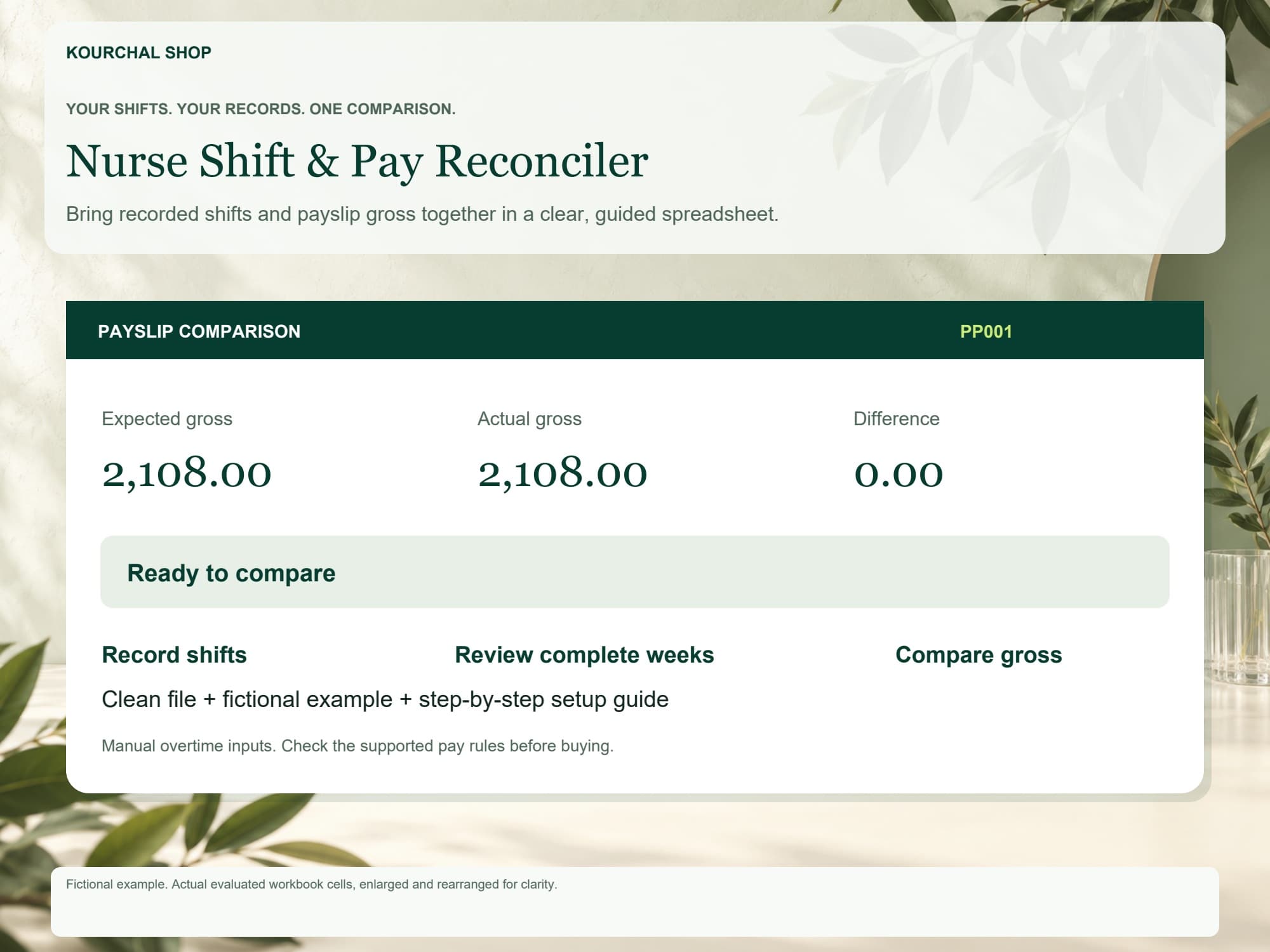
A manual log can be enough for a small number of entries. If you want shift segments, complete-workweek reviews, supported gross comparisons and follow-up notes connected in one place, inspect the free two-page workbook preview before choosing the Nurse Shift & Pay Reconciler. The paid download includes a clean workbook, a separate fictional example and a four-page setup guide.
The prepared workbook is for one employer and currency under a limited user-confirmed U.S. standard weekly hourly regular-rate model. You supply applicable overtime hours. Salary, 8-and-80, daily/double-time rules, premium credits, bonuses, paid leave/nonworked pay, on-call and unknown components are outside its calculation and block the affected comparison. It does not calculate tax or take-home pay.
The focused desktop Google Sheets conversion workflow was tested in Chrome. Excel and mobile compatibility are not advertised. Conversion may not retain worksheet protection, so edit peach inputs only and keep backups. Compare its requirements with your records before buying.
Quick answers
Why is my bank deposit different from the amount in my shift log? A shift log records earnings inputs; a bank deposit is net pay after deductions and may include other movements. Compare the matching earnings components and gross first, then review the stub's deductions separately.
Can I use only the dates on my biweekly stub for overtime? For a standard weekly calculation, you need each complete employer workweek touching the comparison, including relevant days outside the stub dates. Confirm the arrangement with payroll rather than averaging two weeks.
Does a negative difference mean I was underpaid? It means the entered actual amount is below the entered estimate under the assumptions used. Missing components, dates, rates or allocations may explain it. Keep the question open until the records and applicable rules are resolved.
Sources checked October 15, 2026: U.S. Department of Labor Fact Sheet #23 and Fact Sheet #54. These sources provide general federal context. This guide's recordkeeping workflow and fictional single-shift illustration are not a determination of anyone's legal pay entitlement.